

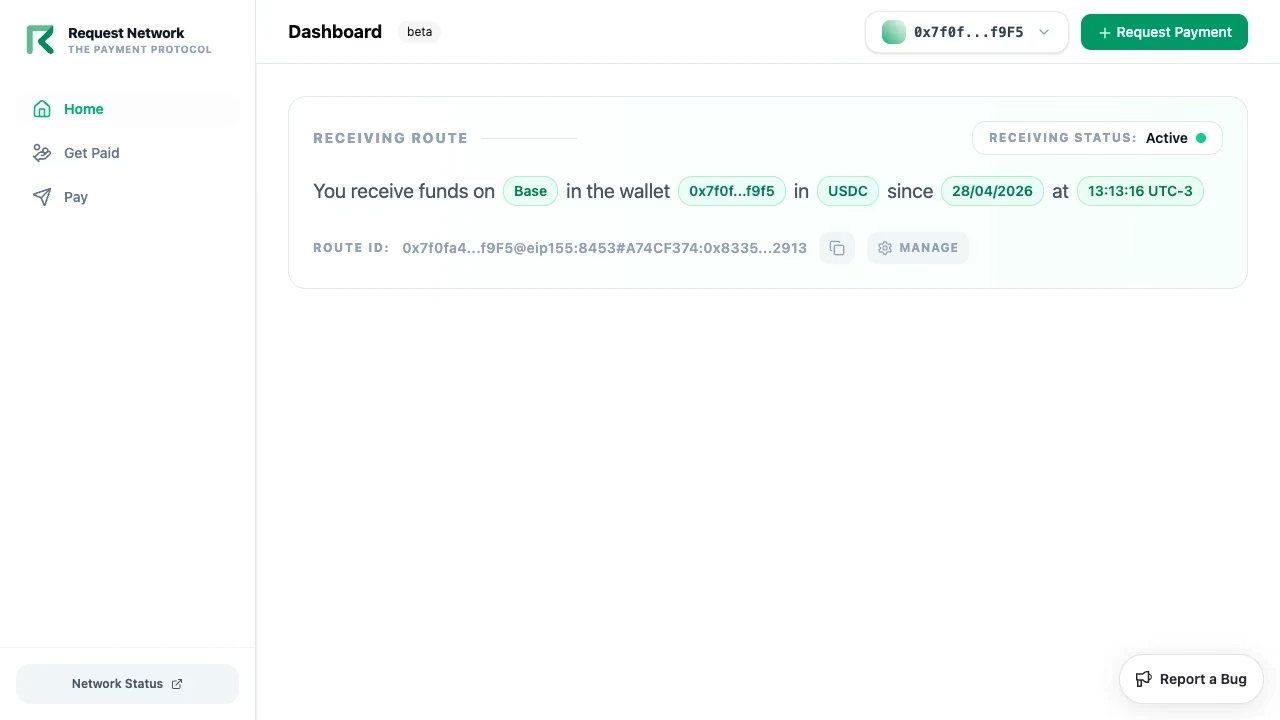
Sign-in
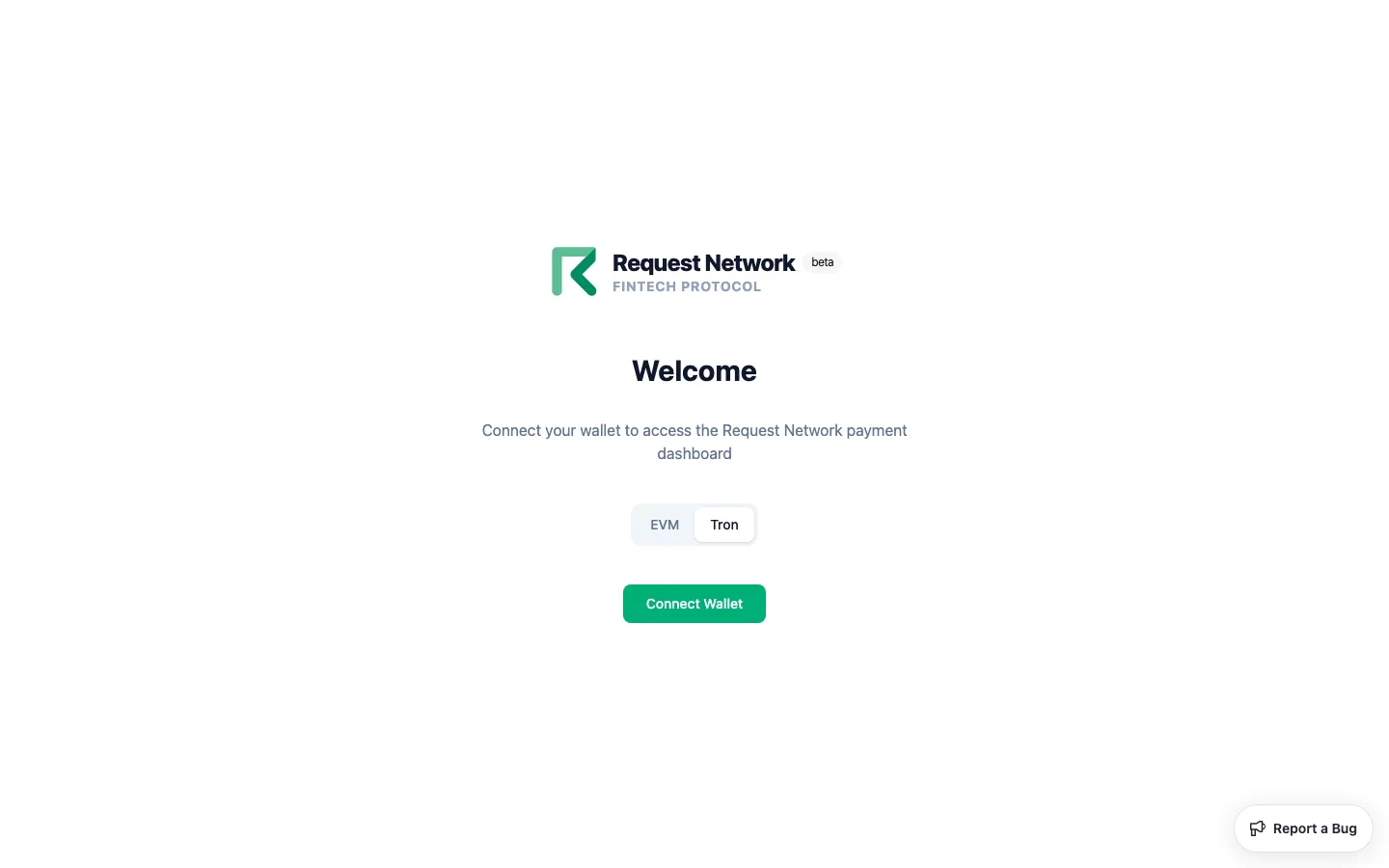
The login screen offers EVM and Tron as parallel tabs.- EVM
- Tron
Connect MetaMask, Coinbase Wallet, or WalletConnect. Sign the SIWE message when prompted to start your session.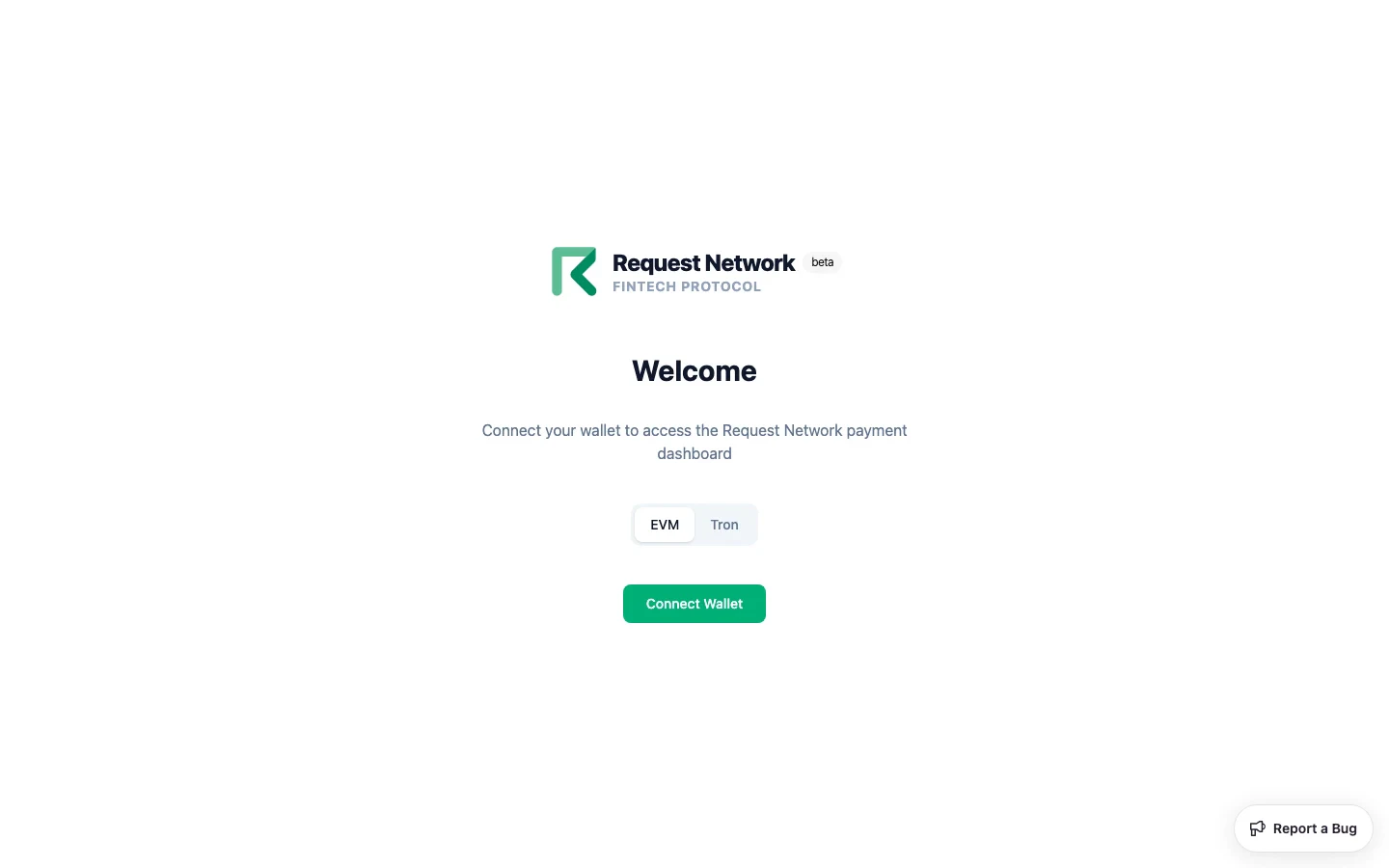
dashboard.request.network, auth.request.network, and api.request.network — sign in once and you’re authorised across all three.
Payment destinations
A payment destination registers where you want to receive payments. It’s a single chain × token × wallet combo, encoded as an ERC-7828 humanReadableInteropAddress.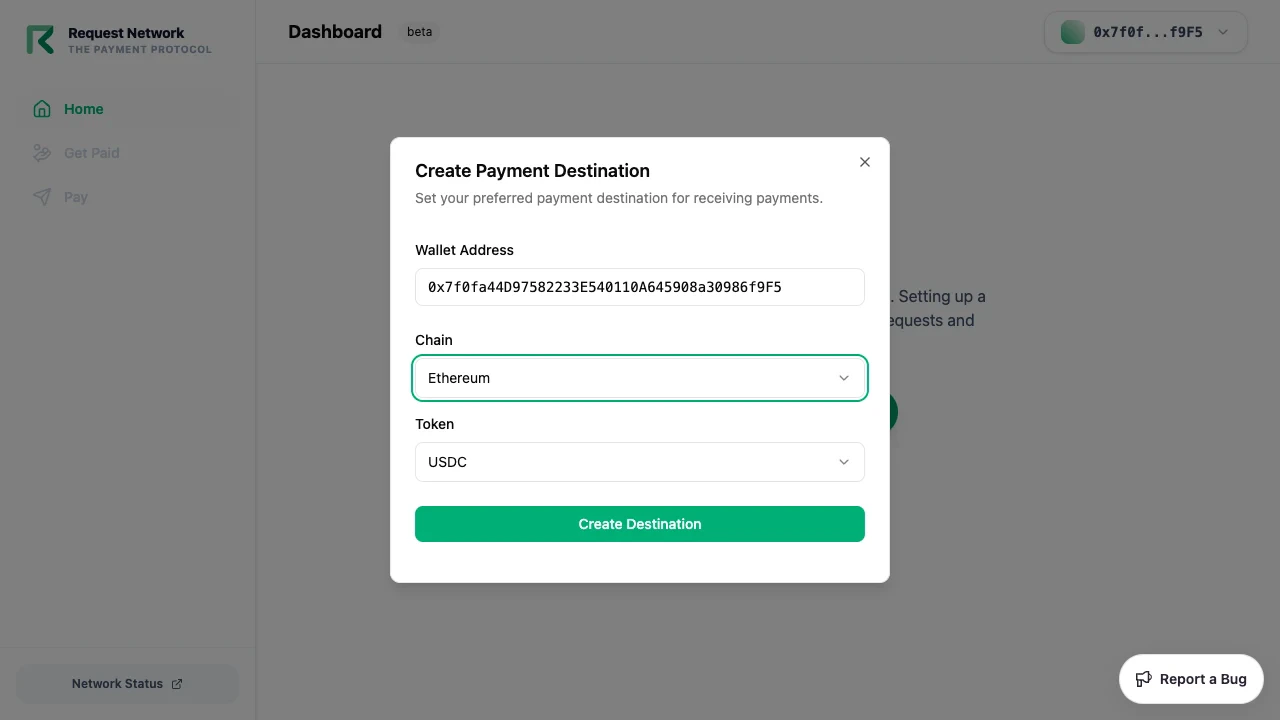
The underlying API also supports USDC on Tron and additional tokens on some chains; the Dashboard UI exposes the curated set above. To use a token not in the UI, create the destination via the Auth API directly.
Client ID management
Client IDs are the credential the Dashboard (and your own apps) use to call the API on your behalf. The Dashboard’s Generate New Client ID dialog collects:- A label (display name)
- Allowed Domains — one or more HTTPS origins (leave empty for backend-only Client IDs)
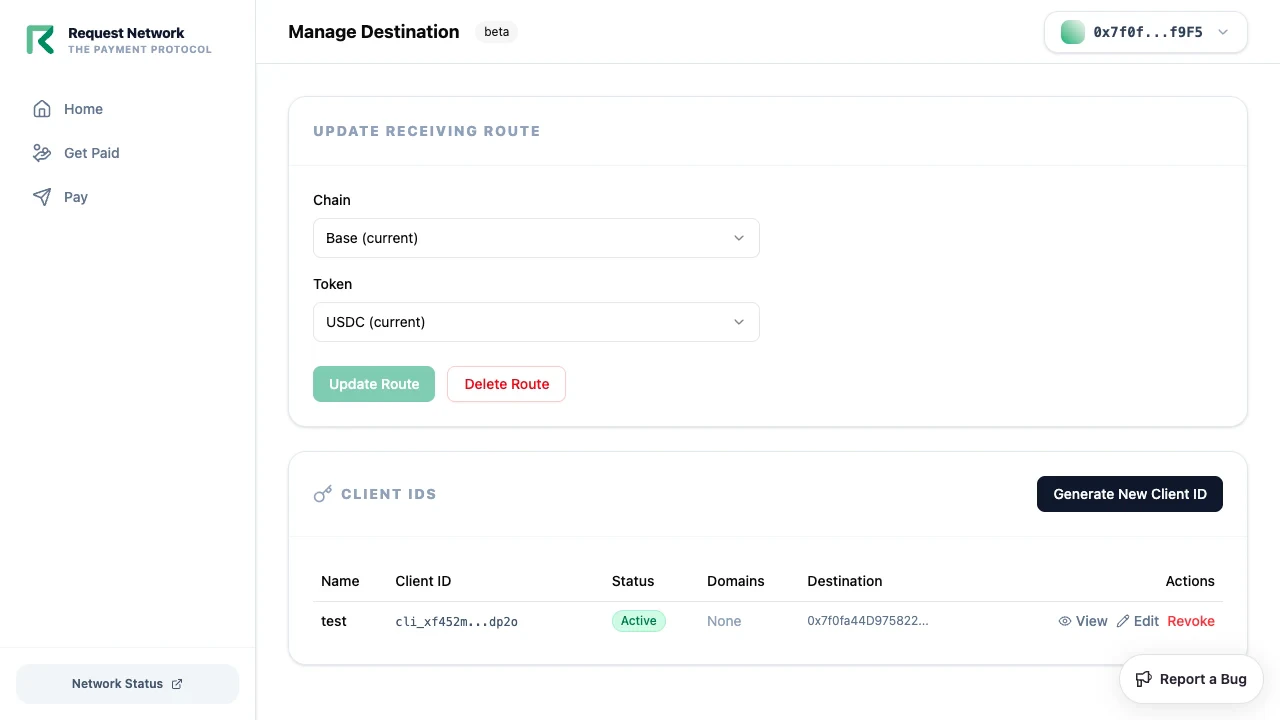
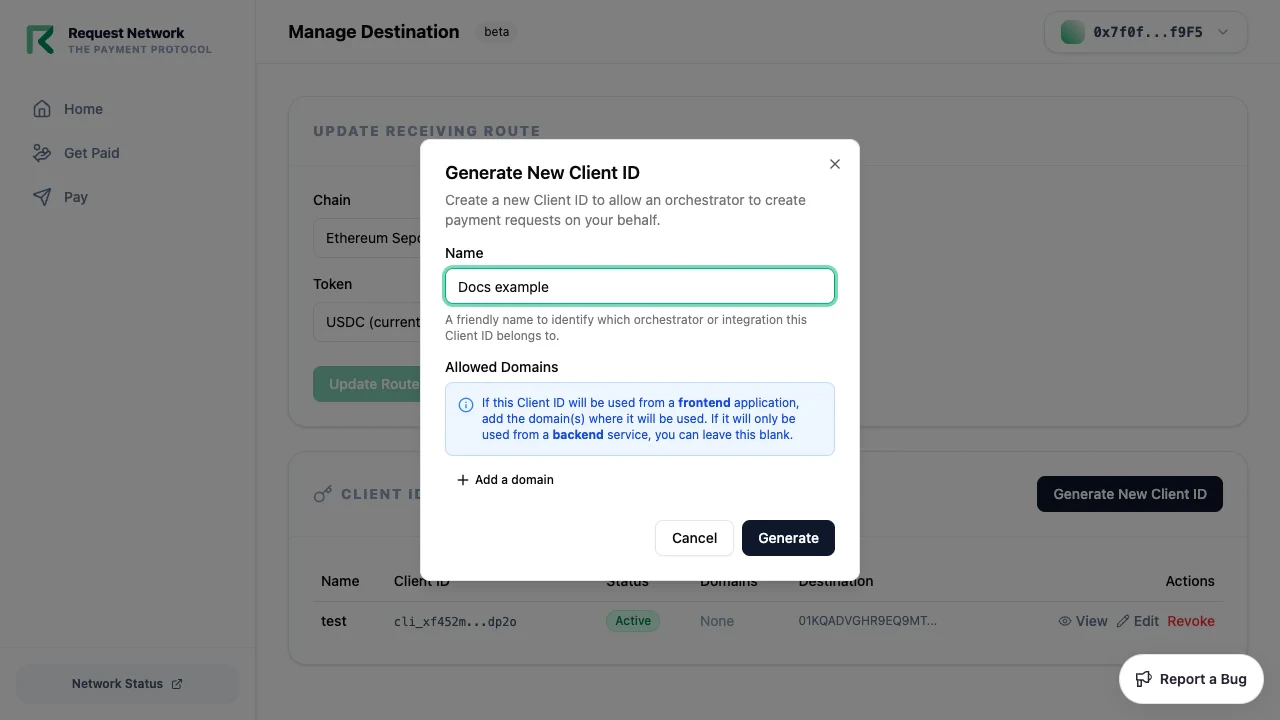
feePercentage, feeAddress, operatorWalletAddress, payeeDestinationId, defaultPreApprovalExpiry, defaultAuthorizationExpiry — are only configurable via the Auth API. Existing Client IDs created from the Dashboard can be edited (allowed domains) or revoked from the same screen.
For the full field reference, see Client ID Management.
Webhooks
The Dashboard manages webhooks from the Webhooks section on the Manage Destination page. Each webhook endpoint is tied to a specific Client ID. From this section you can:- Add a webhook — enter the endpoint URL and choose the Client ID it belongs to. The Dashboard shows the signing secret once, immediately after creation — save it, since it isn’t displayed in full again afterward.
- Enable or disable an existing webhook with a toggle, without deleting it.
- Delete a webhook endpoint.
Get Paid
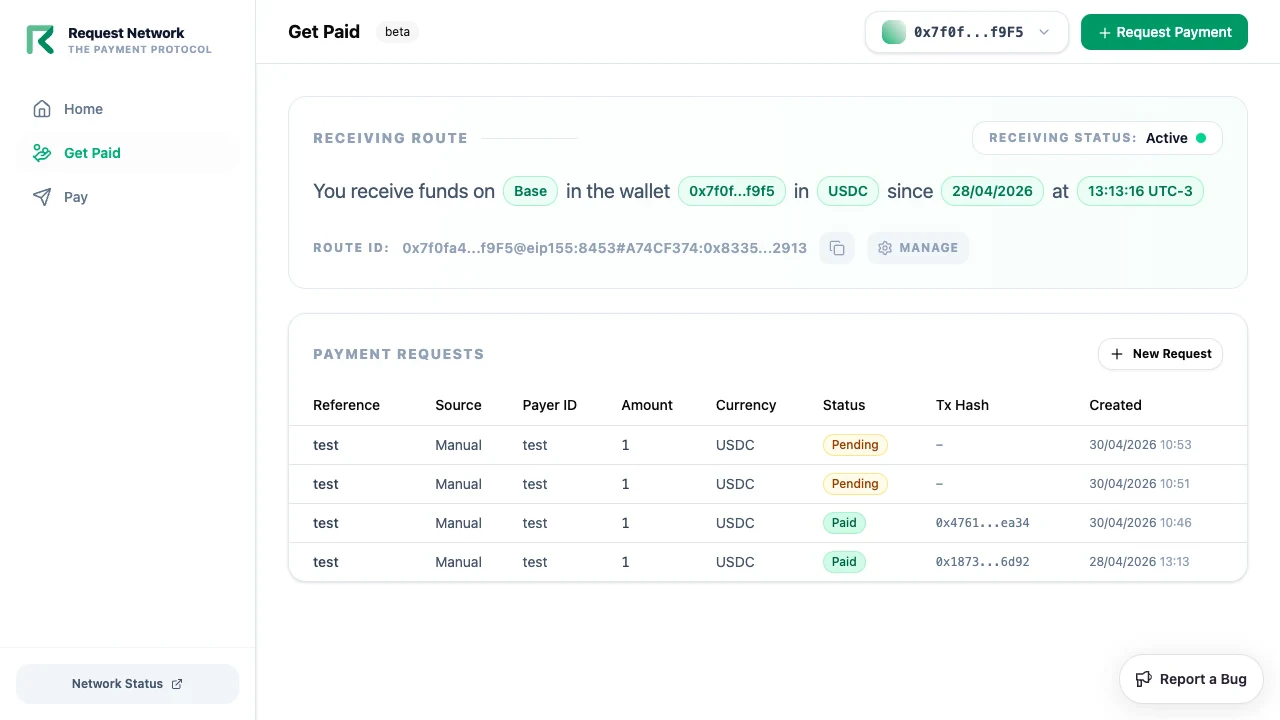
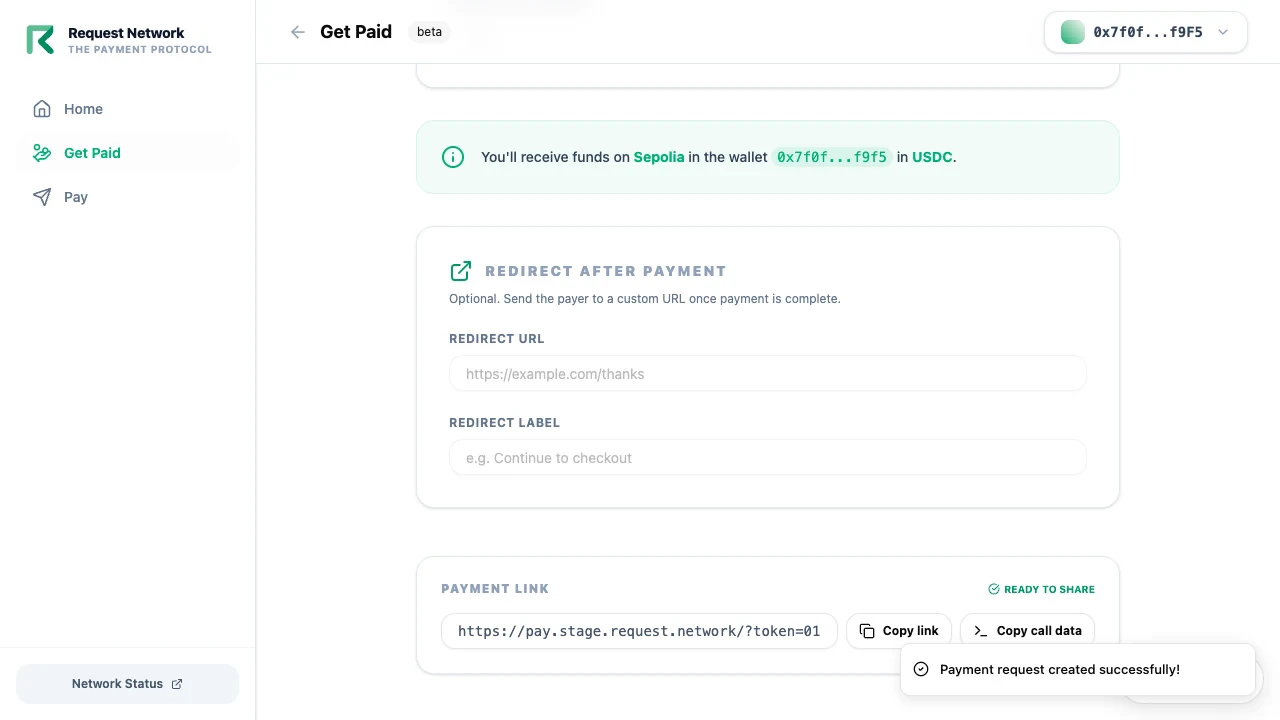
The Get Paid tab is your incoming-payments view. Create a request — amount, currency, optional reference and payer identifier — and the Dashboard generates apay.request.network link to share.
Pay (outgoing)
The Pay tab is your outgoing-payments view. Create a single-recipient payout, sign the resulting transaction, and the Dashboard tracks settlement.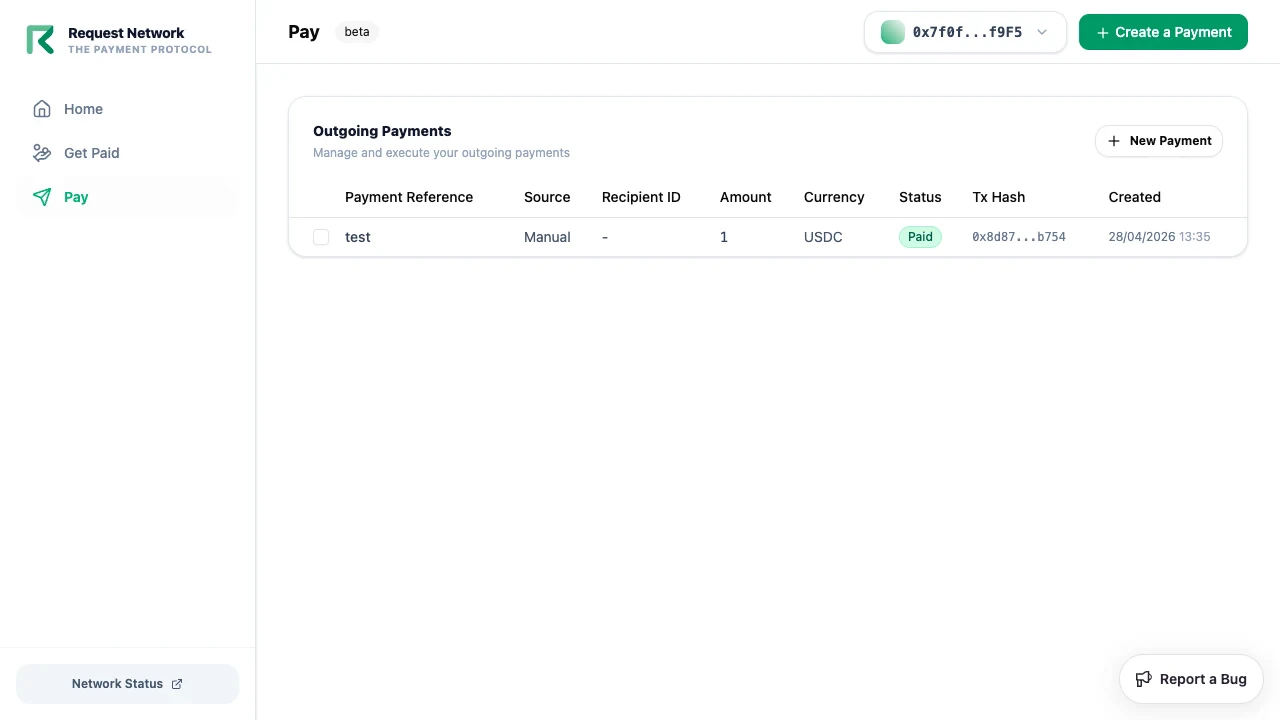
What the Dashboard does not do
- It is not an admin / merchant control panel for downstream platforms — it’s a user dashboard for your own wallet.
- It does not host the payer-side checkout — that’s Secure Payment at
pay.request.network.
Open the Dashboard
Open dashboard.request.network
Sign in with your EVM or Tron wallet to start.
Related
Quickstart
End-to-end walkthrough using the Dashboard.
Secure Payment
The payer-facing companion at pay.request.network.