

Why multi-chain matters
When you create a Secure Payment link, you decide on the destination — the chain and token you want to receive on. The payer doesn’t have to match it. They can hold USDC on Optimism, USDT on Polygon, or USDT on Tron, and Request Network’s Secure Payment app will route the payment through Li.Fi to land in your destination token. This means your customers don’t need to bridge anything before paying. They open the link, the app shows them every chain/token combination they hold a balance in, and they pick one. Audience: any merchant/integrator whose customers don’t know or don’t want to know about chains. E-commerce, SaaS, marketplaces.Supported source chains
Cross-chain swap-to-pay routes through Li.Fi. Source chains the Secure Payment app can pay from:- Ethereum (
ETHEREUM) - Arbitrum One (
ARBITRUM) - Optimism (
OPTIMISM) - Base (
BASE) - Polygon (
POLYGON) - BNB Smart Chain (
BNB) - Tron (paid same-chain or as a cross-chain leg)
The Secure Payment UI displays a Li.Fi banner on the payment options screen when the payer’s selected chain differs from your destination — so customers know exactly when a swap is happening.
What the payer experiences
1
Open the link
Customer clicks the 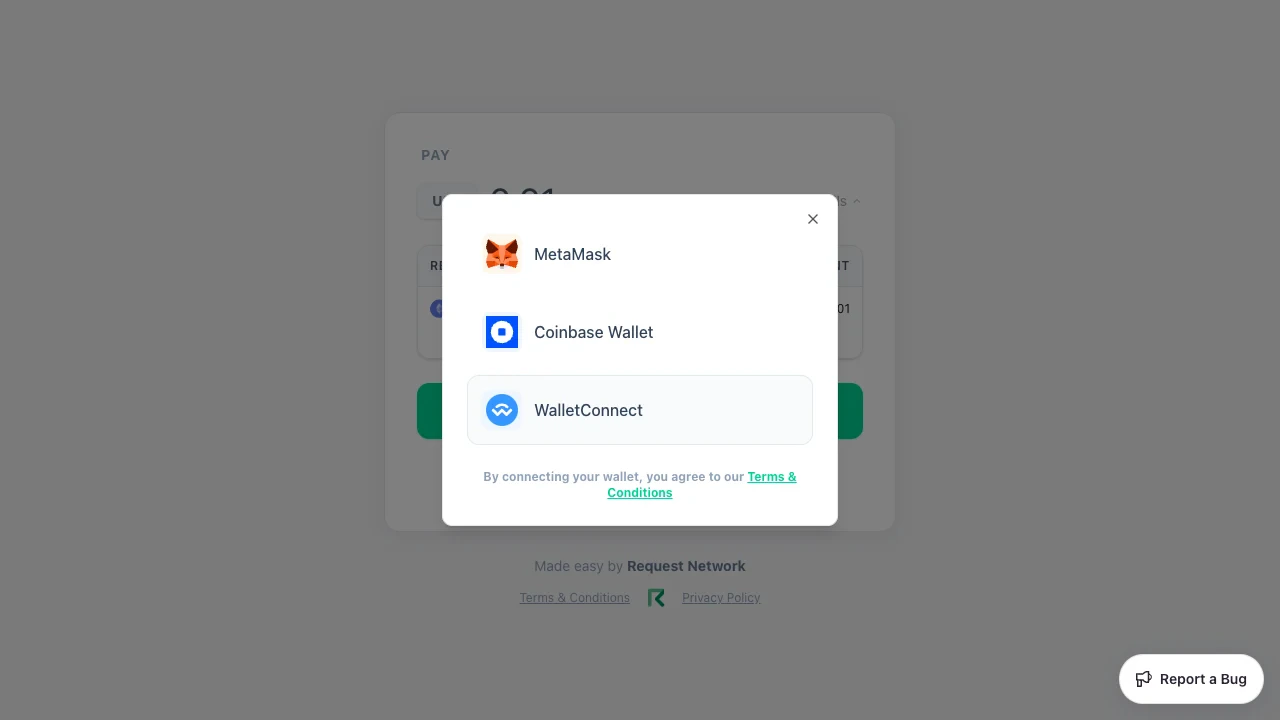
pay.request.network URL.2
Connect a wallet
EVM wallets — MetaMask, Coinbase Wallet, WalletConnect, Ledger, Phantom, Rabby — or Tron wallets — TronLink, Guarda, Trust, WalletConnect-Tron. The modal lists both alongside; when the destination is Tron, Tron wallets replace the EVM list.
3
Pick a chain and token
The app shows all the payer’s holdings across supported chains, with USD-equivalent balances. When the payer’s selected source chain matches the destination, the banner reads “You’ll be paying on the same chain as your recipient”. When they differ, it reads “You’ll be paying across chain via Li.Fi” (in pink) — that’s the cross-chain swap path.
4
Approve and pay
For ERC-20s, an approval transaction precedes the payment. Both transactions are signed by the payer in their wallet. For cross-chain, the source-chain bridge transaction is signed; the destination-chain settlement is monitored by the API and reported via webhook.
5
Confirmation
The success screen shows the source and destination transaction hashes (linked to the appropriate explorer per chain) and a Li.Fi badge for cross-chain payments.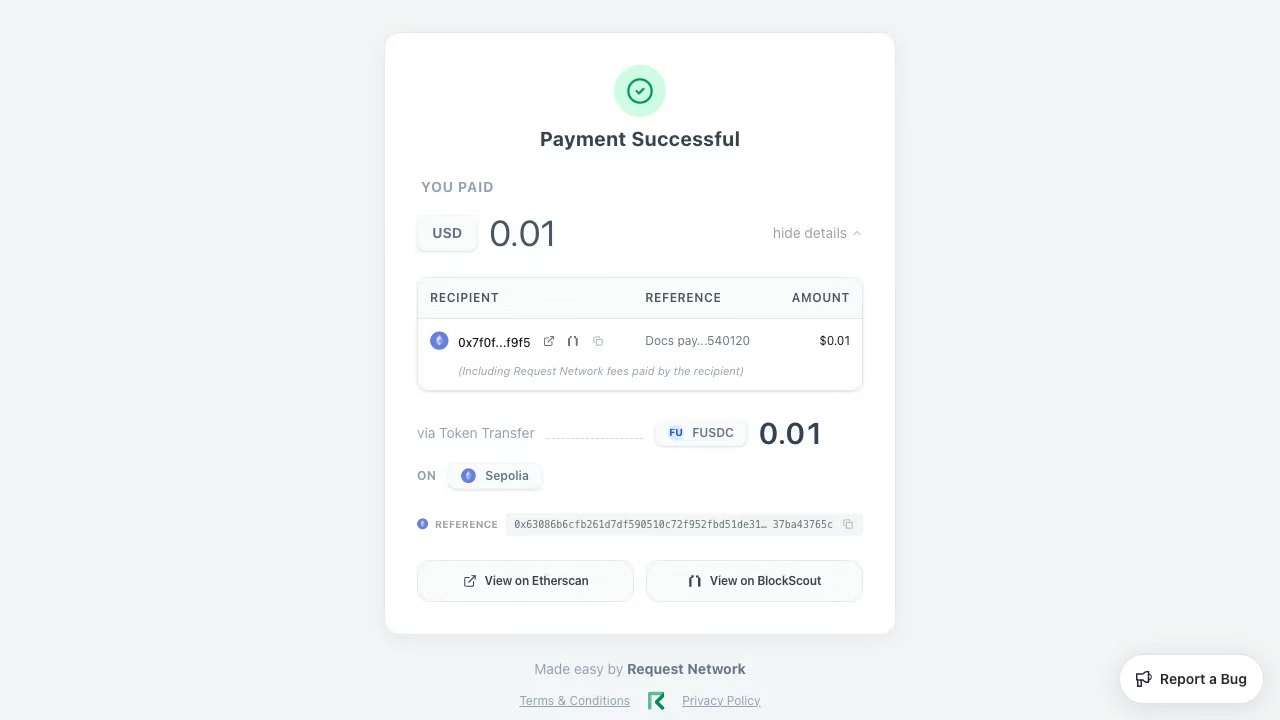
Tron specifics
Tron is supported as both a source and a destination for single-recipient payments:What you don’t have to do
- No bridging UX of your own — Li.Fi is integrated end-to-end inside the Secure Payment page
- No quote management — quotes are fetched per session, surfaced in the UI, refreshed if they expire before the payer signs
- No source-chain config — supplying a destination is enough; the Secure Payment app derives the rest from the payer’s wallet
Code: nothing changes
Creating a multi-chain-capable link uses the samePOST /v2/secure-payments call as same-chain — there are no extra parameters. The payer choosing a different source chain happens in the hosted UI, not in your API call.
POST /v2/secure-payments.
Related
Secure Payment tour
Full feature reference for pay.request.network.
Programmatic payment links
The API call that mints these links.